Tracing in PayLink
PayLink provides a powerful tracing platform to help developers monitor, debug, and optimize their payment integrations.
What is PayLink Tracing?
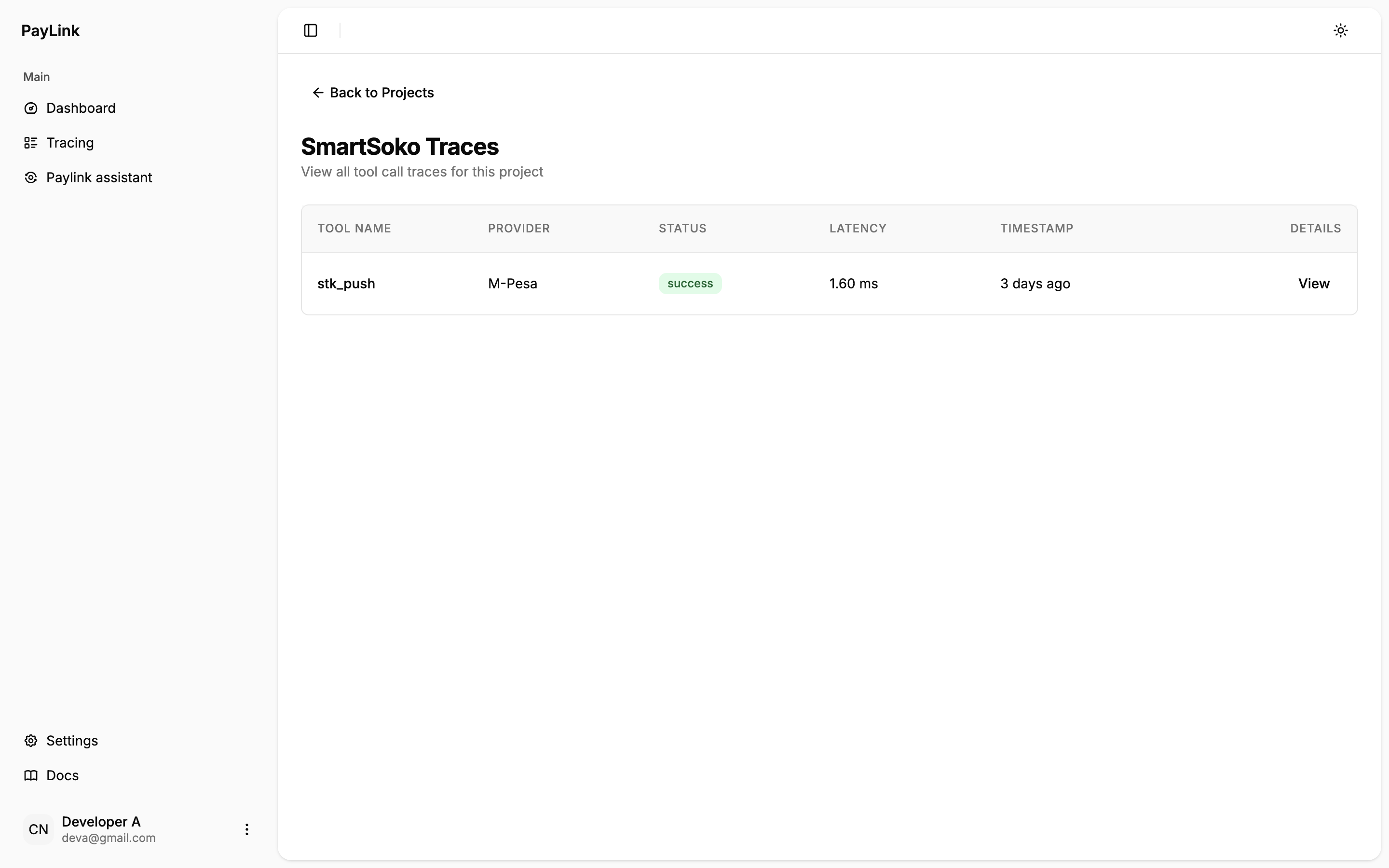
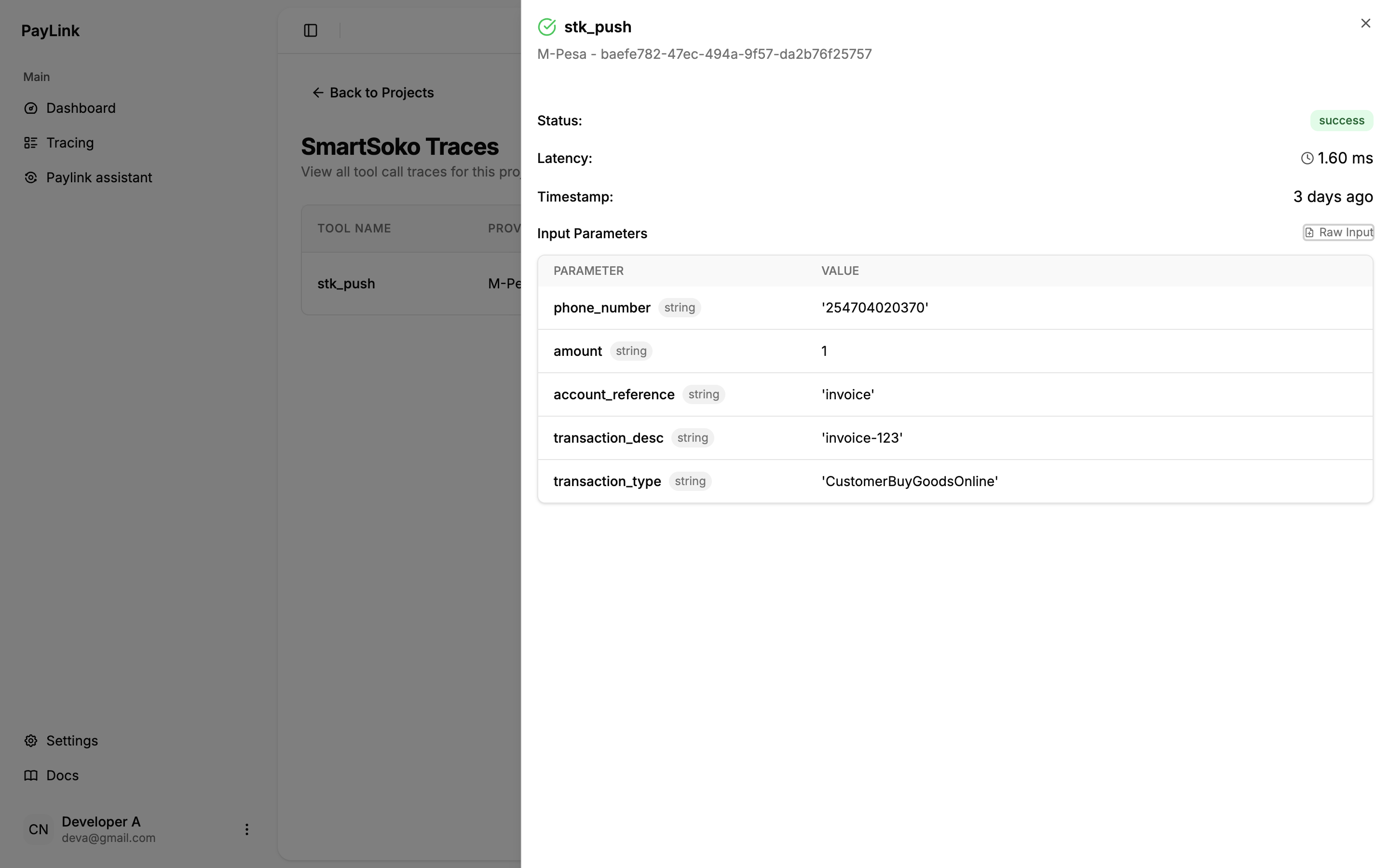
PayLink Tracing is a monitoring and debugging tool that gives you visibility into how your payment tools are being called by agents and what parameters are being passed. This visibility is crucial for debugging issues, understanding payment flows, and optimizing your integration.Benefits of Tracing
🐛 Debug with Confidence
Quickly identify and resolve issues by seeing exactly what parameters were passed to each tool and how the system responded.
Enabling Tracing
To enable tracing for your PayLink integration, set thePAYLINK_TRACING environment variable to enabled in your .env file:
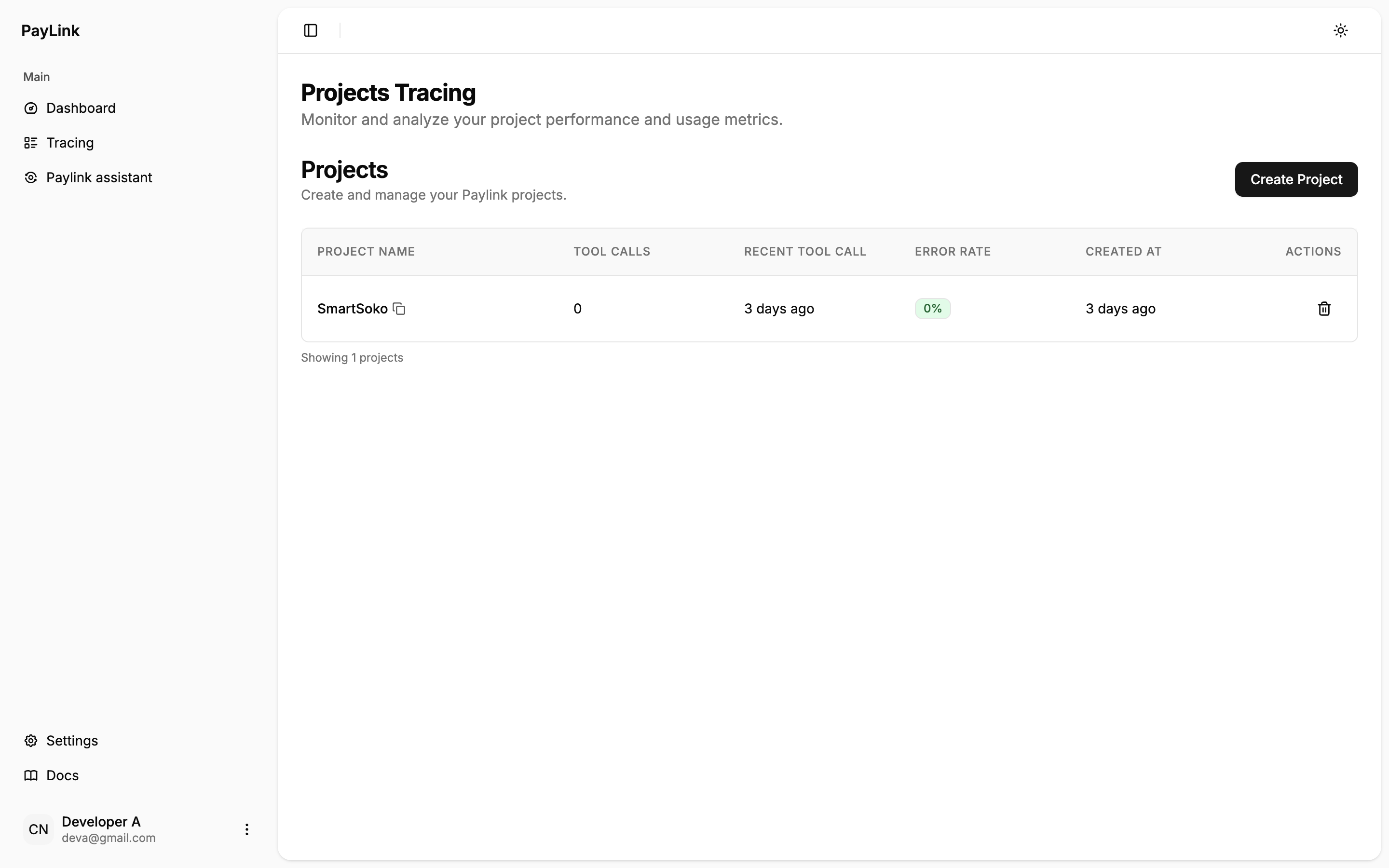
Accessing Trace Data
1. Log in to PayLink Dashboard
Access your PayLink dashboard at https://paylink-platform-izl1.vercel.app/
Best Practices
- Use different project names: If you want to trace multiple projects, make sure they have different project names. You can use the same API key for all projects while keeping their traces separate.
- Enable tracing in development: Always have tracing enabled during development and testing.
- Check traces immediately: When debugging issues, check the traces immediately after the operation.